The Voice Layer Behind Real AI Production Work
The overlooked input layer that makes high-volume AI work possible, with Aqua and Wispr Flow as current examples.
AI production is not just about better models. It is about moving intent through the system quickly enough that agents, terminals, editors, and publishing workflows can keep up.
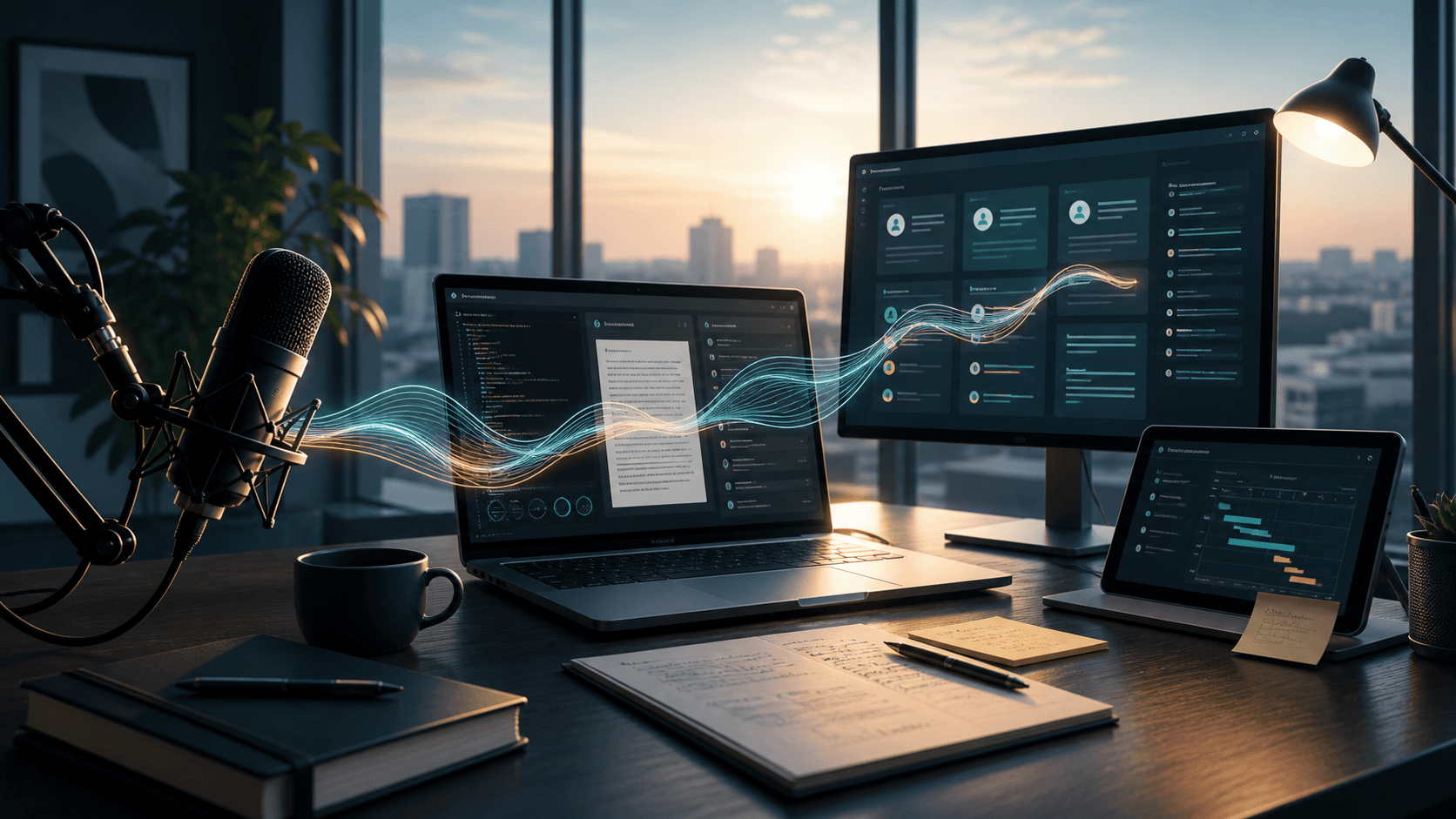
The first problem in serious AI work is not always the model.
Sometimes it is your hands.
That sounds too small to matter, but it is not. When you are doing real AI production work, you are not sitting in one chat window asking one careful question every twenty minutes. You are moving across terminals, agents, browser windows, notes, article drafts, scripts, planners, and release checklists.
You are issuing commands all day.
Fix this. Check that. Summarize the transcript. Update the title card. Grab the recording. Turn this into an article. Now turn the article into email. Now make the LinkedIn version.
At some point, typing becomes the bottleneck. Not because typing is hard, but because typing is the wrong interface for the volume of direction that AI work creates.
That is where tools like Aqua and Wispr Flow start to matter.
They look like dictation apps. In practice, they become part of the command layer.
 Aqua Voice
Fast voice input for getting intent into AI tools.
 Wispr Flow
System-wide dictation across the tools where AI work happens.
Short Spotlight explainer on why system-wide voice input matters in AI production work, using tools like Aqua and Wispr Flow as current examples.
Voice Is Not Just Dictation
Most people hear "voice-to-text" and think about writing an email without touching the keyboard.
That is useful, but it is not the interesting part.
The interesting part is command throughput.
If you are working with AI at volume, you are not only writing prose. You are managing a system. You are directing agents, leaving review notes, issuing terminal instructions, narrating context, and capturing the shape of a decision before it disappears.
The job is not to produce perfect sentences.
The job is to get intent into the system fast enough that the system can keep moving.
That changes how you evaluate this class of tool. Accuracy matters. Speed matters. But the real question is whether the tool lowers the cost of giving direction.
Can you hit a hotkey, speak naturally, and get usable text into the right place?
Can it clean up enough of the friction that you do not have to babysit every sentence?
Can it remember what you said if the paste lands in the wrong field?
Can it learn the words you use every day?
Those are not small conveniences. Those are operating requirements.
The Keyboard Bottleneck Is Real
There is a point in AI work where prompt quality is no longer the only constraint.
You still need judgment. You still need clear instructions. You still need to review the output. But if you are managing multiple AI sessions, the volume of small instructions becomes intense.
You may have a coding agent running in one terminal, a planning session open in another, a browser-based model helping with editorial structure, a document open for source notes, and a production planner tracking what needs to ship.
In that environment, the keyboard becomes a narrow pipe.
Voice widens the pipe.
It lets you say the messy version of the thought, get it into the system, and then decide whether it needs cleanup. Sometimes it does. Sometimes it does not. A lot of operational AI work does not require a perfect prompt. It requires a clear enough instruction, quickly delivered, followed by human review.
That is a very different philosophy from treating every prompt like a formal document.
There is a place for polished prompts. There is also a place for fast direction.
Serious AI workflows need both.
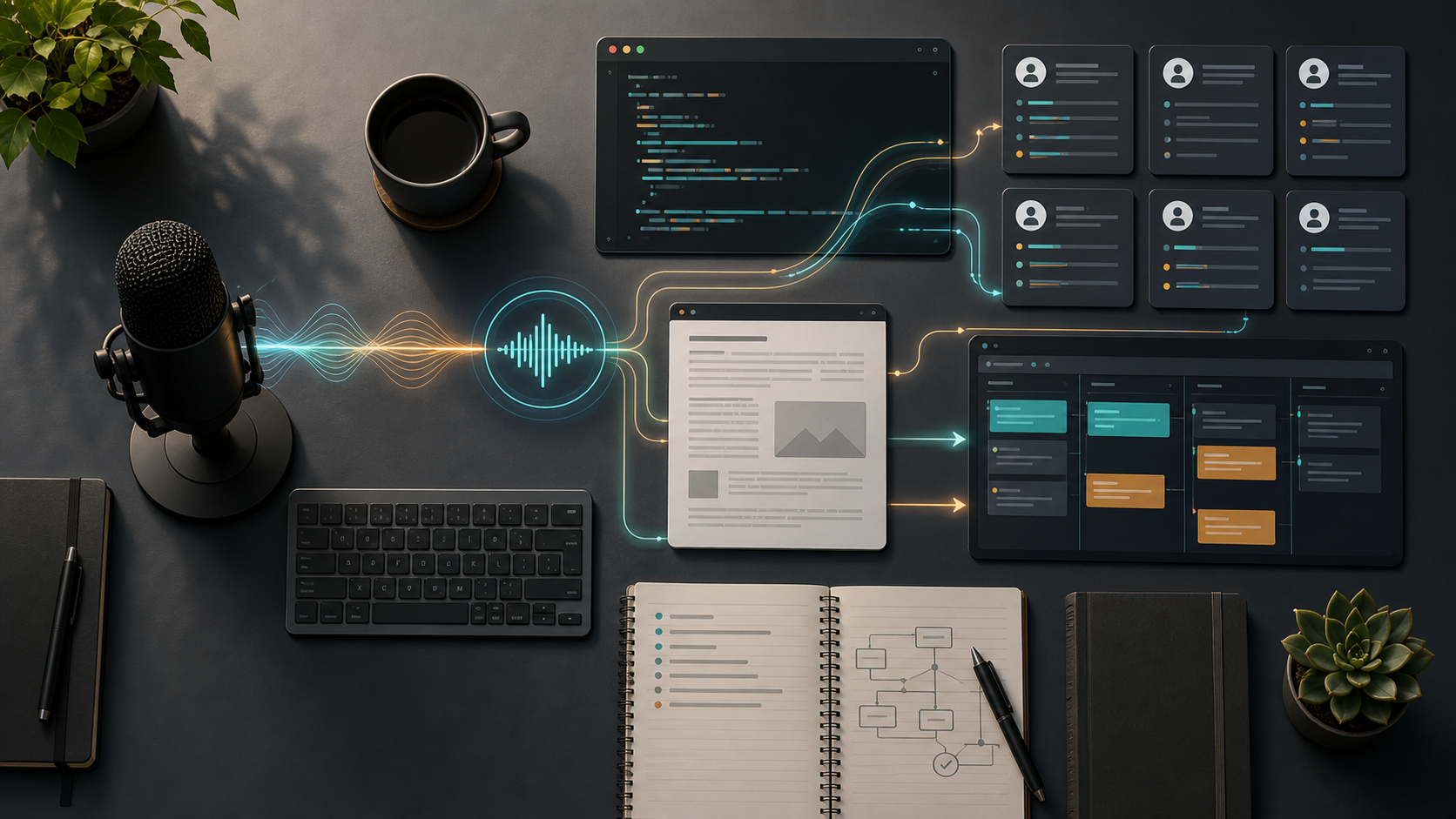
The voice layer is not a side tool. It sits between human intent and the production system.
Why Aqua And Wispr Flow Are Useful Examples
This is not a product-review article. I am not trying to crown a winner between Aqua and Wispr Flow, or suggest that those are the only tools someone could use.
The category is the point.
Aqua describes itself as fast, accurate voice dictation for Mac and Windows, with an AI layer that refines speech into cleaner text as you talk. That matches the way this tool category has to work in production: it cannot just dump raw words into a field and make you clean everything afterward. It needs to preserve intent while removing enough friction that the output is usable.
Wispr Flow is further along as a funded startup story. In 2025, the company announced a $30 million Series A led by Menlo Ventures, with participation from NEA, 8VC, and several notable operators and founders. Its own help docs position Flow as a voice dictation app that works in any text field across computer and phone, with real-time transcription, AI commands, vocabulary adaptation, snippets, and cross-device support across Mac, Windows, iOS, and Android beta. That does not guarantee the product will win the category, but it does suggest that serious investors and users see voice input as more than a novelty.
That matters because AI work does not happen in one official interface.
Sometimes the input target is ChatGPT. Sometimes it is Claude. Sometimes it is a coding agent, a CRM note, a task description, a pull-request comment, a Google Doc, a LinkedIn draft, or a terminal instruction. The voice tool has to follow the cursor because the work follows the cursor.
The winning product pattern is not "dictation inside one app."
The winning product pattern is system-wide intent capture.
The useful features are not exotic. They are basic in the way a good keyboard is basic.
A hotkey matters because you cannot stop and fiddle with a UI every time you want to speak.
Speed matters because a delayed transcript breaks the rhythm of thought.
History matters because a dictated command can land in the wrong window, fail to paste, or need to be reused.
Dictionary replacement matters because AI work is full of repeated names and strange terms: Claude Code, Strattegys, Codex, product names, internal project names, client vocabulary.
Cleanup matters because spoken thought is not typed thought. The tool needs to smooth enough of the text that the AI can work with it without turning every command into an editing session.
This is where voice tooling stops being a novelty. It becomes infrastructure.
The Chat Interface Needs A Better Input Layer
The default AI interface is still mostly a box you type into.
That box is powerful, but it is also narrow. It assumes the main work is composing a message with your hands. That is fine when you are asking one question. It is not enough when you are running a full day of AI-assisted work.
Most AI work is not a single prompt. It is a chain of direction.
Look at this file. Compare it to the transcript. Keep the voice-input argument. Add one more source. Make the close sharper. Check the local preview.
That kind of instruction is easier to say than to type.
It is also more natural to say while you are looking at the work. You can keep your eyes on the browser, terminal, article, or planner and speak the next instruction as soon as you see it. The AI does not need your typing posture. It needs your intent.
This is where tools like Aqua and Wispr Flow become foundational.
They are not only writing assistants. They are input infrastructure for every AI system you use.
If a tool can turn spoken direction into clean text anywhere the cursor is active, it becomes a practical bridge between human judgment and AI execution.
That bridge compounds.
Ten dictated instructions in a day is convenience.
Two hundred dictated instructions in a day is a different operating model.
Recoverable History Is More Important Than It Looks
One of the most useful things Aqua shows is the history of what you said.
That may sound like a small UI detail. It is not.
When you dictate a long instruction into an AI tool, you are often moving quickly. Maybe the cursor was in the wrong field. Maybe the target app did not accept the paste. Maybe the text appeared but you accidentally overwrote it. Maybe you realize thirty seconds later that the instruction should go into a different agent session.
If the voice tool keeps a recoverable thread, the thought is not lost.
That matters because the most expensive thing in AI production is often not the text. It is the context behind the text.
You spoke the command because you had the situation loaded in your head. If the command disappears, you do not just lose words. You lose momentum.
History preserves momentum.
The Real Stack Is Human Judgment Plus Tools
There is a temptation to describe AI production as if the AI does everything.
That is not what is happening.
The human is still steering. The human is still deciding what matters, what is good enough, what needs another pass, what should be published, and what should be thrown away.
The tools remove friction around that judgment.
The terminal matters because it gives executable work a place to run.
The session metadata matters because it lets agent work survive restarts and context switches.
The browser matters because most AI tools still live inside text fields and chat boxes.
The planner matters because AI work has to become tasks, assets, and approvals.
Tools like Aqua and Wispr Flow matter because they make it easier to direct the system in the first place.
None of these tools replaces the operator.
They give the operator more throughput.
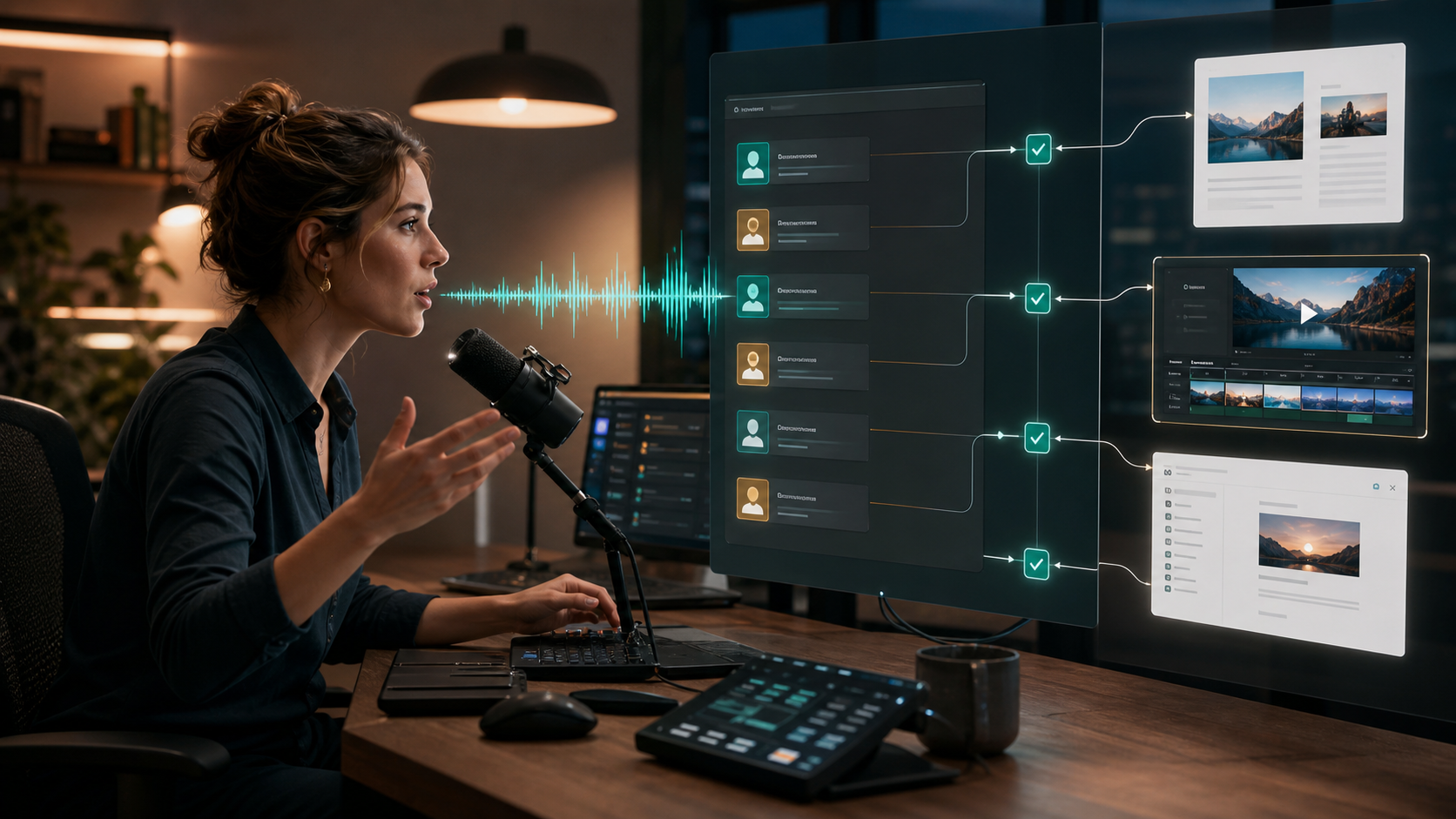
The system does not replace judgment. It gives judgment more throughput.
What This Workflow Actually Shows
This article is also a demonstration of the workflow.
The source was not a generic prompt asking for "an article about AI voice tools." The source was a real working session: a founder-operator explaining why this tool category matters, then using the same AI production system to turn that explanation into a publishable article.
From there, the workflow is straightforward:
- Capture the idea in speech.
- Turn the speech into text.
- Use AI to organize the argument.
- Review the draft with human judgment.
- Add sources, images, and supporting assets.
- Package the article for the website, email, and LinkedIn.
That is the difference between content and production.
Content starts with a blank page and a deadline.
Production starts with real expertise and a system for turning it into distribution.
The Principle
Voice input is not the whole AI workflow.
It is one layer.
But it is a layer that becomes more important as the work gets heavier. The more agents you direct, the more decisions you make, the more notes you leave, the more windows you manage, the more painful the keyboard bottleneck becomes.
That is why tools like Aqua and Wispr Flow are worth paying attention to.
Not because they are flashy.
Because they make the rest of the system easier to operate.
Sources
Dispatch
Get the next field note
New articles, show notes, and practical lessons from the Strattegys AI crew.
 Spotlight
See How AI Changes the Calculus for GTM Strategy
Explore a real-life Mirror Teams strategy session showing how AI lowers the barriers to comparing options, testing assumptions, and turning market analysis into executable work.
 Spotlight
Session Terminal: A Workspace for Persistent AI Work
The command line is still the fastest lane into AI work. But once you run multiple agents, the real problem becomes drift: lost purpose, hidden status, fragile recovery, and context scattered across too many surfaces.
 Spotlight
AI Can Generate a Page. LandingRabbit Wants to Make It Usable.
LandingRabbit is trying to solve the part of AI landing-page work that happens after the first draft: structure, editing, source context, feedback, and human judgment.